Dhedge strategy automation within vault limits
Dhedge, now Chamber, supports automated vault trading through its software development kit (SDK) or direct contract calls, with smart contracts enforcing permitted actions. A bot can rebalance on a schedule or signal, and the same vault can also accept manual trades. The important adjustment is the authority that the automation receives: a delegated trader may trade existing enabled assets, and its settings can also permit changes to that asset list. AI-assisted analysis, signed execution, and permission changes have different effects.
Can the same vault combine manual and automated trading?
Yes, a Chamber vault can combine manual trades through the app with programmatic trades through the SDK or contracts, while applying the same trading constraints to both methods. Manual operation suits decisions that the manager wants to sign individually. A bot moves the timing and transaction-building logic into software, which can respond to a schedule or signal. Neither method changes which external actions the vault permits.
Delegating a trader doesn't lock the manager out. The manager can continue trading, so adding automation doesn't require handing every investment decision to a bot.
Rebalancing code and the vault's permission boundary
Changing a bot's rebalancing logic changes which trades it proposes; the vault's contracts separately determine whether those proposed calls can execute against its assets. A strategy may choose a different allocation or respond to a different signal while staying inside the same permitted trading surface. That separation lets the strategy change without giving its software unrestricted control over deposited capital.
Protocol support and vault-level asset selection also have separate meanings. A token may belong to the protocol's supported set yet remain disabled in a particular vault. A trading integration must satisfy its applicable guards, including restrictions on the target function and transaction parameters. Writing a different script doesn't supply a missing protocol integration or override those restrictions.
Adjusting the assets that automation can reach
The delegated trader's asset-setting permission determines whether automation can expand its trading universe within protocol support or must use the assets that the manager has enabled.
The asset-change setting
A delegated trader can change the vault's enabled assets by default. The manager can disable that permission. This setting matters when a strategy description names a particular asset universe: the trader role alone doesn't establish that the list will stay fixed.
Trading within the manager's enabled list
With asset changes disabled for the trader, a bot can execute permitted trades among enabled assets. It can't independently add another supported asset. The manager retains the ability to change the list, so this setting restricts the bot's authority without making the vault's asset selection immutable.
Allowing the trader to edit the list
With the permission enabled, automation can add supported assets or remove eligible unused assets under the same asset-management rules. That expands its discretion over exposure. It doesn't let the bot admit arbitrary tokens, register new protocol guards, or ignore the factory's configured asset-count limit.
Removing assets while positions or orders remain
Removing an asset from the enabled list doesn't close its position; the contract checks its balance if an asset guard is registered and checks active orders if a data validator is configured.
For an asset with a registered asset guard, removal requires a zero balance and passes through that guard's additional removal checks. The guard's balance calculation can include positions held through external protocols. An empty token balance at the vault address therefore doesn't necessarily establish that the position has ended.
A configured data validator adds an active-order check. When that check applies, an order involving the token can block removal even after its held balance reaches zero.
These conditions distinguish stopping future use of an asset from unwinding its existing exposure. For an asset with a registered guard, close the position before removal; resolve active orders when the configured validator requires it. The required operations depend on the position and its integration; changing the enabled list isn't a substitute for them.
SDK helpers and direct contract execution
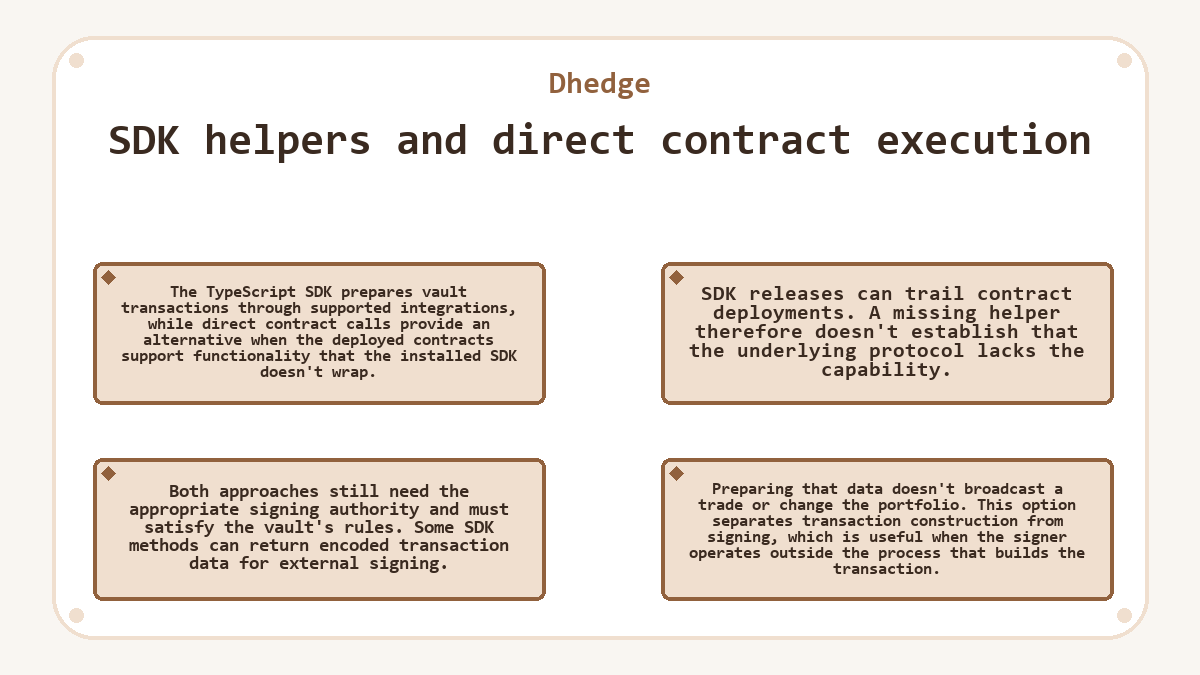
The TypeScript SDK prepares vault transactions through supported integrations, while direct contract calls provide an alternative when the deployed contracts support functionality that the installed SDK doesn't wrap. SDK releases can trail contract deployments. A missing helper therefore doesn't establish that the underlying protocol lacks the capability.
Both approaches still need the appropriate signing authority and must satisfy the vault's rules. Some SDK methods can return encoded transaction data for external signing. Preparing that data doesn't broadcast a trade or change the portfolio. This option separates transaction construction from signing, which is useful when the signer operates outside the process that builds the transaction.
What changes when an AI client receives trading scopes?
Opt-in trading scopes expose execution tools to a compatible AI client, while the Chamber Model Context Protocol (MCP) server's default launch exposes only read and analysis tools.
Without a scope flag, the server can inspect vault holdings and estimate trades without moving funds. The package also offers execution tools behind scopes such as
-s trade
. Those tools sign through a delegated trader wallet and remain subject to its permissions and the Guard System. Enabling them expands the tools available to the client; it doesn't establish that the assistant will execute a request. Client behavior can still prevent execution.
An SDK bot runs strategy logic directly in code. An AI assistant's ability to analyze holdings, help write that code, or call a tool represents a different capability in each case. Choose the execution path for the actual task: scheduled rebalancing needs running automation, while conversational portfolio analysis can remain read-only.
Network constraints on changing a strategy
A vault's chain stays fixed, so a strategy that needs a capability absent from that chain requires a separate vault on a network that supports it. Replacing a bot or choosing another SDK method doesn't relocate the existing vault. Protocol integrations and guard availability differ across networks, even when the strategy's broad objective stays the same. Rebalancing logic must fit the actual deployment that holds the assets.
Hyperliquid perpetuals illustrate an additional access boundary on HyperEVM. That integration requires vault approval, an enabled Hyperliquid Perps Account asset, and an approved market. It operates under early-access restrictions. Ordinary trading authority doesn't supply those approvals. A bot targeting that integration must satisfy its access conditions alongside the usual vault permissions.
Current holdings and indexed history
Current contract state and indexed history answer different automation questions: live holdings show what the vault owns now, while historical events describe its earlier activity. The SDK or direct contract reads provide current state. Subgraphs index trades, deposits, withdrawals, and manager activity, with a delay behind the chain. That history supports analysis, but its indexing delay matters when software chooses the next trade from the vault's composition. The data source should match whether the decision needs current holdings or a record of past behavior.
Losses that permitted trades can still create
Contract permission establishes that an action meets the applicable rules; it doesn't establish that the trade improves returns or keeps the portfolio within a desired risk level. A permitted strategy can concentrate exposure, enter at poor prices, or hold positions through adverse market moves. An integrated protocol can also suffer an exploit that affects assets held through it. Automated execution carries those exposures into the same vault that holds the resulting positions.
Changing a signal or schedule addresses trading behavior. It doesn't remove market exposure or guarantee that the new approach will outperform manual management.
Choosing the bot's authority for the intended adjustment
A rebalancing bot and an asset-selecting bot need different permissions, even when both execute trades from the same delegated trader role. Match the intended change to the authority involved:
- For rebalancing among an existing asset set, disable the trader's asset-change permission.
- For automated selection of additional supported assets, retain that permission and account for removal checks and the configured asset limit.
- If automation shouldn't switch the vault between public and private, leave its privacy-change permission disabled; it's off by default.
- For a contract-supported function missing from the installed SDK, consider direct contract execution within the same guards.
- For AI analysis without trade execution, keep the MCP server in its default read-only mode.
The next choice is whether the strategy needs broader asset-selection authority or only different trading logic. Granting more discretion changes what the bot can choose; a new signal alone doesn't require that expansion.
Dhedge FAQ
-
Do TradingView indicators execute automated vault trades?
- The TradingView charts in Chamber analyze vault performance and don't execute trades. An indicator on the chart isn't an instruction to the vault. Scheduled or signal-driven execution comes from separately running automation through the SDK or contracts. Treating a chart alert as an executed rebalance would confuse analysis with the signing and execution that change holdings.
-
Does enabling a token for trading also make it available for deposits?
- A token's enabled status and its deposit eligibility are separate settings. The enabled list determines what the vault can hold and trade, while a deposit-asset flag determines whether depositors can contribute that token. Automation that adds a trading asset therefore needs to preserve the intended deposit configuration as well. Asset changes must leave at least one deposit asset enabled.
-
What happens to an automated trader when its address is replaced?
- The previous trader loses trading authority when the manager replaces its address. A vault has one active delegated trader address, so replacing it transfers that role rather than adding another simultaneous trader. The manager can also remove the trader entirely through Remove Trader. Entering the zero address in Set Trader isn't the supported revocation method.
-
Does delegated trading access allow a bot to change performance fees?
- The delegated trader role doesn't include permission to change performance fees. The manager retains fee-setting authority under the applicable fee rules, separately from trade execution and enabled-asset permissions. A bot's ability to rebalance or add supported assets therefore doesn't establish authority to alter its compensation. That distinction also applies when an AI client uses delegated execution tools.
-
Why might a bot receive the dh23 error?
- The dh23 error means that the vault's guard evaluation didn't recognize an allowed transaction type. The call path can try a destination's contract guard, an asset guard, and a configured ERC-20 guard fallback. Diagnosis needs the submitted destination and encoded call, because the guard chain can reject an unsupported action as well as an unsupported target.
-
Where should a trader key be entered when configuring AI access?
- The Chamber MCP setup takes trader keys through its terminal linking process, rather than through an assistant conversation. Its package stores linked keys locally in encrypted form. Enabling execution scopes still gives the tools signing authority through that trader, so local storage doesn't reduce the permissions attached to the key. Read-only portfolio analysis doesn't require enabling trading scopes.
Last updated ·